Bedrock Edition - PC and Mobile
1. Launch your game.
Section titled “1. Launch your game.”Imagine wanting to play without launching the game, that would be pretty crazy, right?
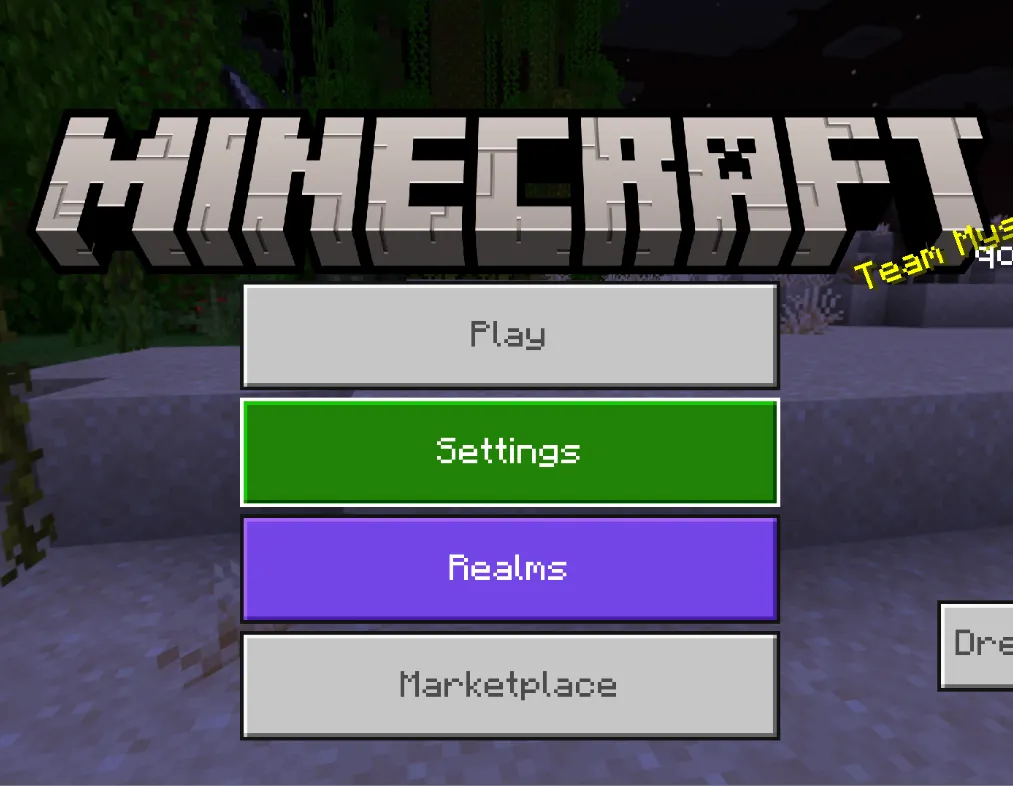
2. Click “Play” then “Servers”
Section titled “2. Click “Play” then “Servers””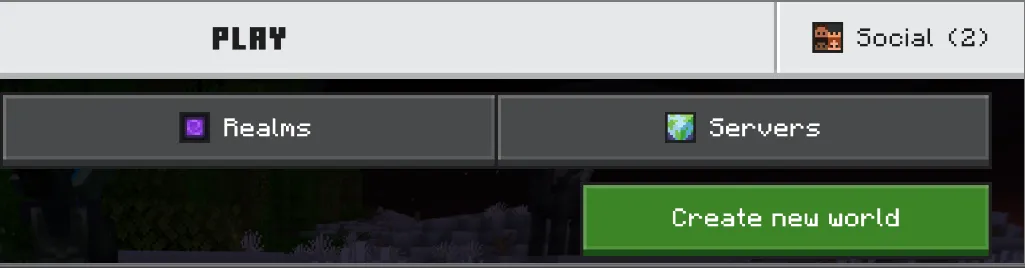
3. Once in this, “Add server”
Section titled “3. Once in this, “Add server””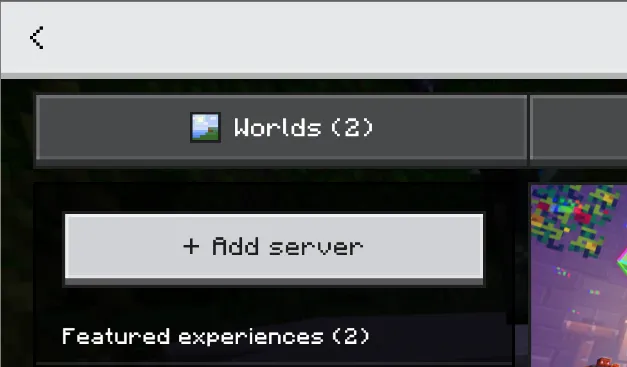
This should bring you here!
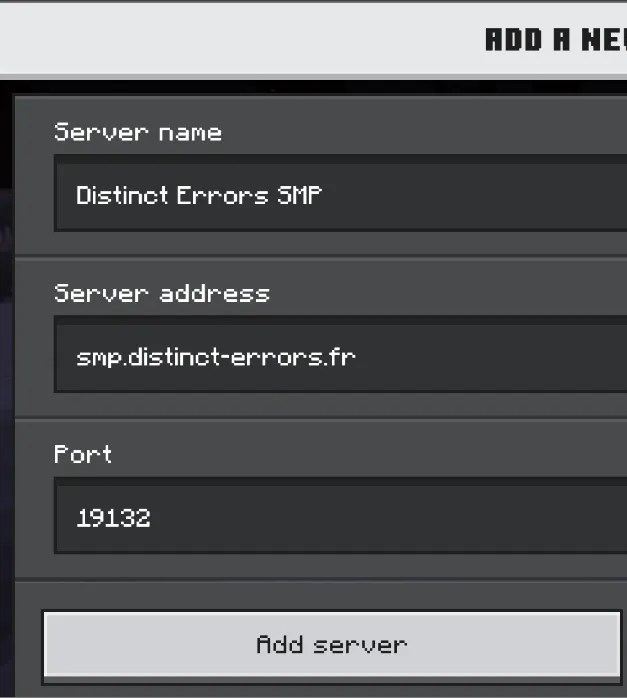
You can enter any server name you want, as it is mainly used for you to stay organized. You need to enter the following string into Server Address:
smp.distinct-errors.frAnd you must KEEP the port as:
191324. Click “Add server” and voilà! 🎊
Section titled “4. Click “Add server” and voilà! 🎊”5. Don’t forget to register!
Section titled “5. Don’t forget to register!”Once you join the server for the first time, you will be asked to do the command /register <password>.
Since the server is allowed to cracked version, anyone can choose the nickname they want. We have decided to add a password system to counter unwanted login from strangers.
Once you log in, decide a strong password between 6–18 characters.
Origins You arrive in a world... That lets you mutate?
You're on console? Go to the guide for console players.
Having trouble connecting? A guide to help you troubleshoot common connection issues.